


2nd item 15% off · 3rd item 20% off
Come Back & Save
2nd order 15% off · 3rd order & beyond 20% off
Savings are shown as one discount across your cart. Offers can't be combined; you'll automatically get the best one. Use the same email each time you check out (or sign in) to unlock returning-customer savings.
Portable Thermal Label Printer
Inkless printing, no cartridges ever
Prints straight from your phone
Small enough for a pencil case
Free shipping on every order
30 day returns on everything we sell
Email and phone support from our team
Secure checkout with encrypted payment
Right now you label things with a Sharpie and masking tape. It works, it looks like it, and half the time you cannot read it three weeks later. The alternative — a proper label maker — means a bulky plastic machine with a tiny LCD, a stiff keyboard you type on with your thumbs, and cartridges that cost $18 and run out exactly when you need them.
So most people do neither. The pantry stays unlabelled, the cables stay unidentified, and the storage boxes get opened one by one every time you need something.
Why inkless printing changes the maths
This printer has no ink, no toner and no ribbon — because it does not put anything onto the paper.
Thermal paper is coated with a heat-sensitive layer. The print head heats tiny points on the surface, and the coating darkens where it is touched. The image is in the paper, not on it. There is nothing to deposit, nothing to dry, nothing to clog and nothing to replace.
That has a consequence worth being blunt about: your only ongoing cost is paper, and thermal rolls are a few dollars for metres of it. Compare that to a cartridge-based label maker where a single tape cassette costs more than a third of this printer. The device that is cheaper to own is the one you will actually keep using.
It also means nothing dies in storage. Inkjet cartridges dry out if you leave them for six months. This sits in a drawer for a year and prints on the first try.
What is actually happening inside the paper
Worth knowing, because it explains both why this is so cheap to run and the one limitation you should plan around.
The coating on thermal paper holds two separate chemicals, kept apart: a colourless dye, and a mild acid called a developer. At room temperature they sit in a solid waxy binder that keeps them from touching, which is why the paper is blank.
The print head is a row of hundreds of tiny heating elements. When one switches on, it melts the binder at that exact spot. The dye and the developer are suddenly free to mix, they react, and the dye turns black. Then the spot cools, the binder re-solidifies, and the mark is locked in.
Three useful things follow from that:
- There is no consumable but paper. The colour was always in the sheet — the printer only supplies heat. Nothing is deposited, so nothing runs out.
- The darkness setting is dwell time. Light, medium and dark control how long each element stays hot, which controls how much of the coating reacts. Dark is for small text and barcodes; light is faster and saves battery on big blocks.
- Heat is also the weakness. A label left on a hot car dashboard or in direct sun can darken or fade over time, because the same reaction can be triggered by any strong heat. Fine for a pantry, a cable or a parcel; worth knowing for anything you need to keep for years.

Why the phone is the interface
The second reason label makers get abandoned is the typing. Nobody wants to compose text on a rubber keypad with a two-line screen.
Here the printer has no screen and no keyboard at all — it is just the print head and the battery. You type on your phone, in the Fun Print app, with your normal keyboard, autocorrect, emoji and your whole camera roll. Pick the font, set it horizontal or vertical, choose light, medium or dark, and send it.
Moving the interface to the device you are already holding is what makes this a thing you use on impulse rather than a project you set aside an afternoon for.
- Two paper types included — self-adhesive for labels that stick, and plain for notes, lists and journal pages
- Prints more than labels: to-do lists, study notes, recipes, journal patterns, receipts, photos
- 1000 mAh rechargeable battery — about an hour of continuous printing, and around 15 days on standby
- Small enough for a pencil case at 135 g, so it travels to a desk, a classroom, a market stall or a kitchen
- iPhone and Android, wireless, nothing to install on a computer
Who it is a genuinely good gift for
Teachers printing stickers and feedback notes. Students who annotate textbooks. Anyone who journals or scrapbooks — this is the core tool of that hobby, and it is usually the thing they have not bought themselves yet. Small sellers printing their own product and address labels. And anyone mid-way through organising a pantry, a garage or a craft room, where the labels are the part that makes the whole effort stick.
How to use
- Charge it by USB. A full charge takes 2 to 3 hours.
- Install the Fun Print app, then hold the power button for 3 seconds and connect.
- Choose text or image, pick horizontal or vertical, and set the darkness to light, medium or dark before you print.
Worth knowing before you buy
Printing is black and white only, including photos — thermal printing has one colour by nature, and photos come out as high-contrast monochrome rather than greyscale. If it starts printing faintly, charge it fully and try again. Refill rolls are the standard 57 x 25 mm size, so you are not locked into one supplier.
Specifications
- Size: 1.57 x 3.15 x 3.15 inches
- Weight: 135 g
- Battery: Built in 1000 mAh rechargeable
- Charging time: 2 to 3 hours
- Run time: About 1 hour of use, about 15 days on standby
- Paper size: 57 x 25 mm
- App: Fun Print, iOS and Android
- Colours: Blue or pink
- Material: Plastic
What's included
- 1 x mini thermal printer
- 1 x USB cable
- 1 roll of sticker paper, about 3 m
- 1 roll of plain paper, about 4 m
- 1 x user manual
Free shipping on every order
Shipping is free on everything we sell, with no minimum order. You will receive tracking by email as soon as your order is dispatched.
If something is not right, you can return it within 30 days of delivery. Get in touch by email or phone and we will sort it out.

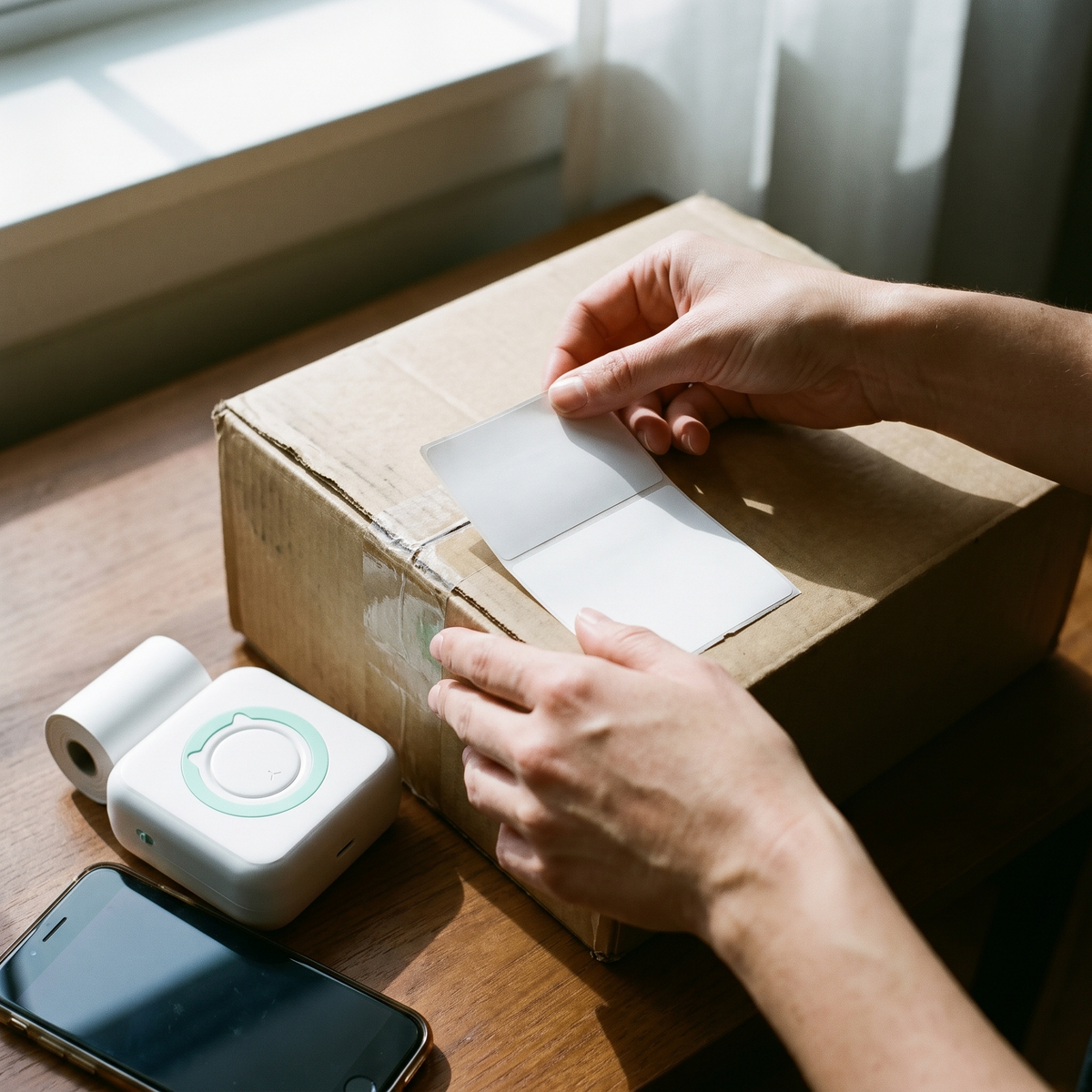


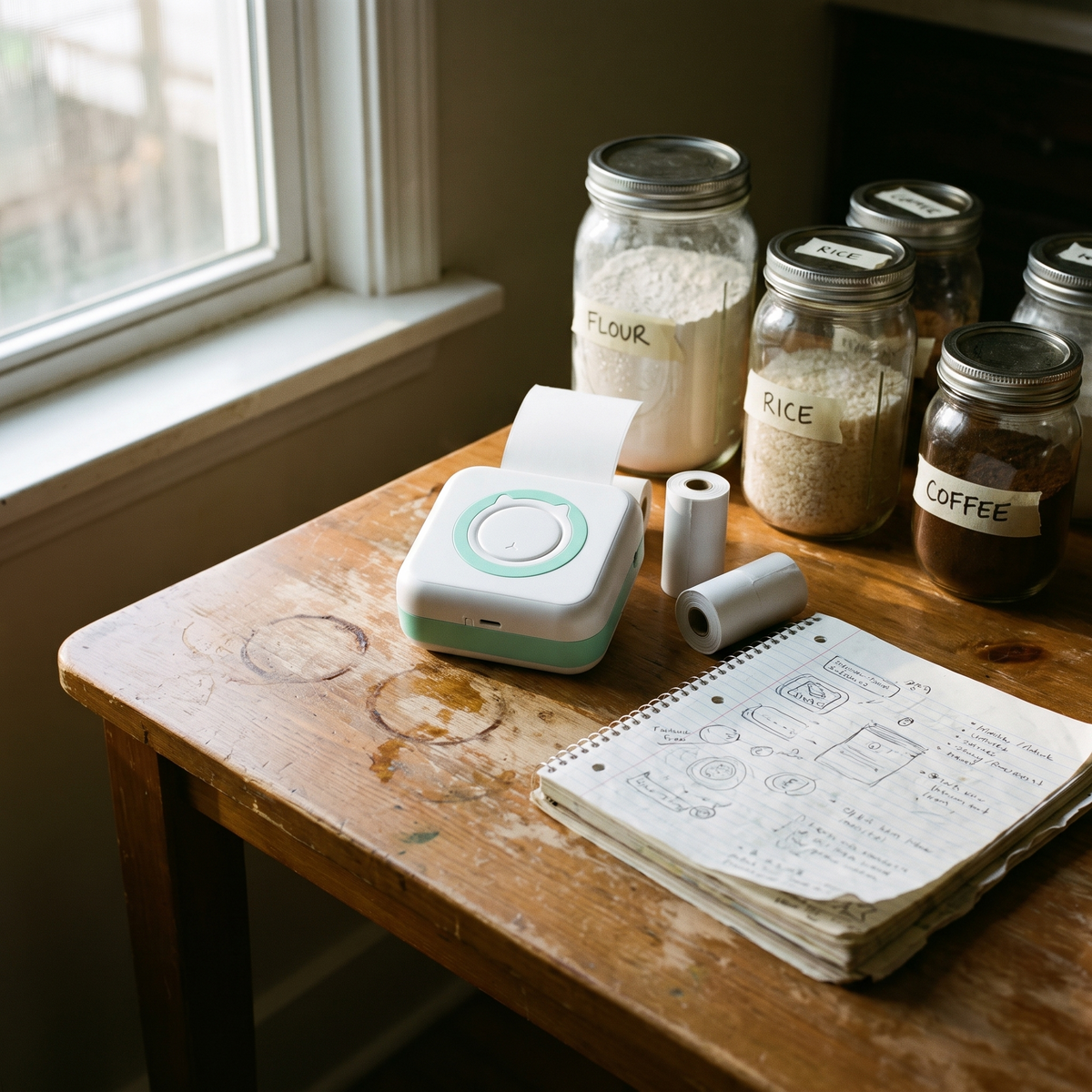

Labels Without the Ink

What Comes in the Box

Pair It, Then Print
Frequently Asked Questions
Does it really need no ink?
What can I print with it?
Does it work with my phone?
Where do I get more paper?
How long does the battery last?
How long does shipping take?
the paper sticks together
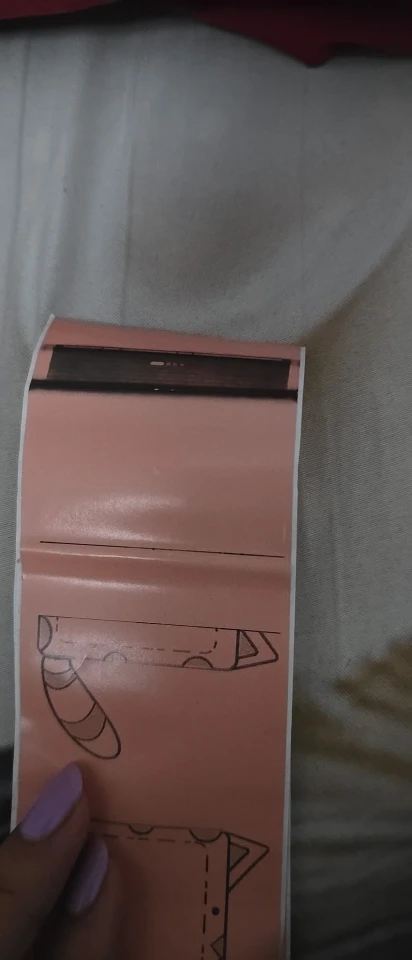
As described, delivery was quite fast. Quite satisfied.
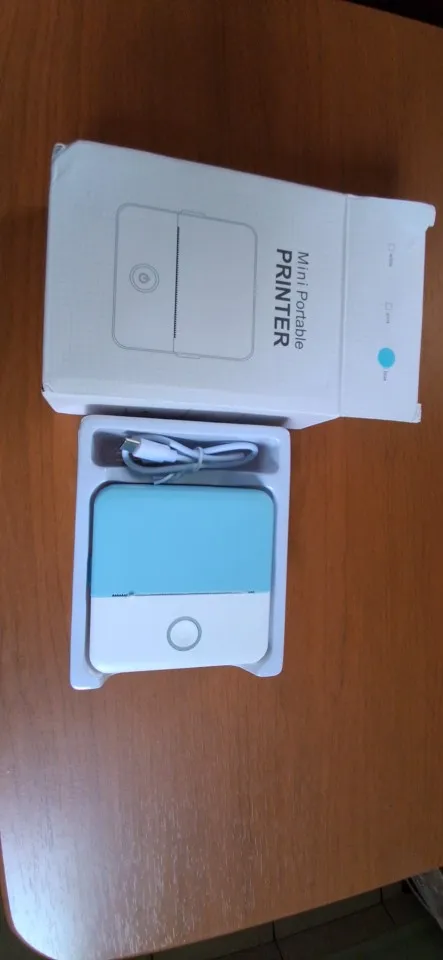
Portable Thermal Label Printer
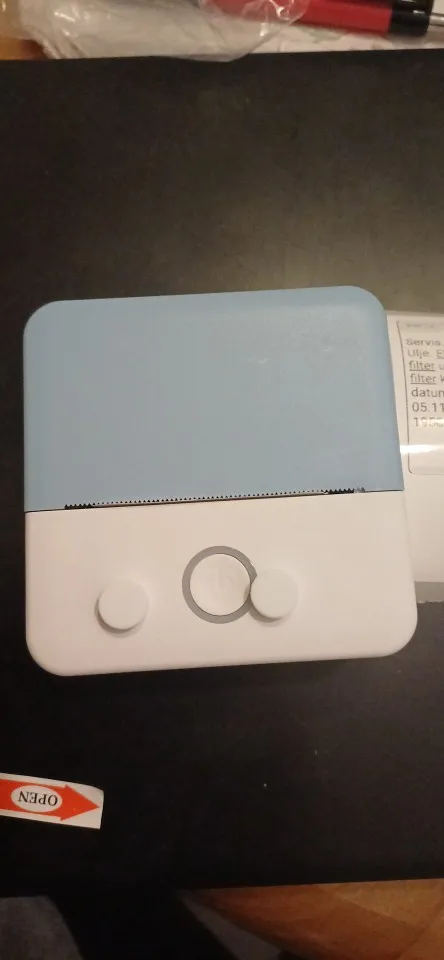
excellent. nice print
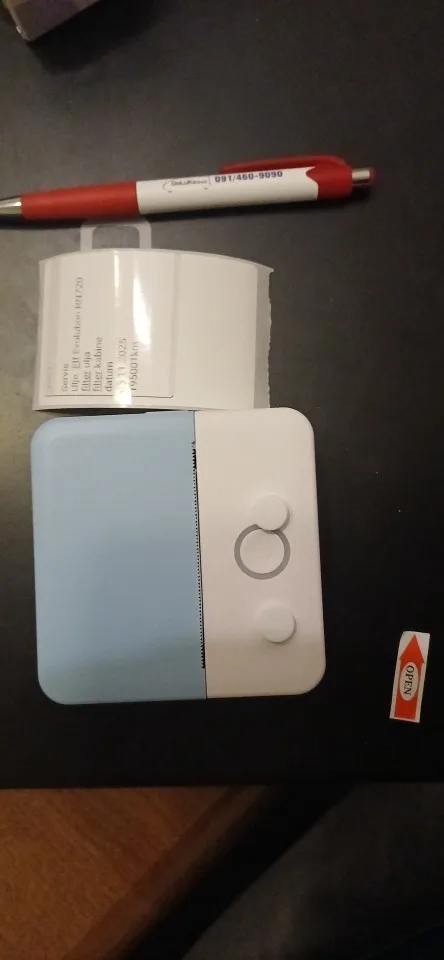
Not good to print shipping labels. good for anything else!
Wonderful printer
It's just thermal paper rolls, there is no printer as suggested in the advertisement and title. I hope for their sake that this scam is not intentional.
The required item is a thermal printer that comes with printer paper.